
Cart and Checkout
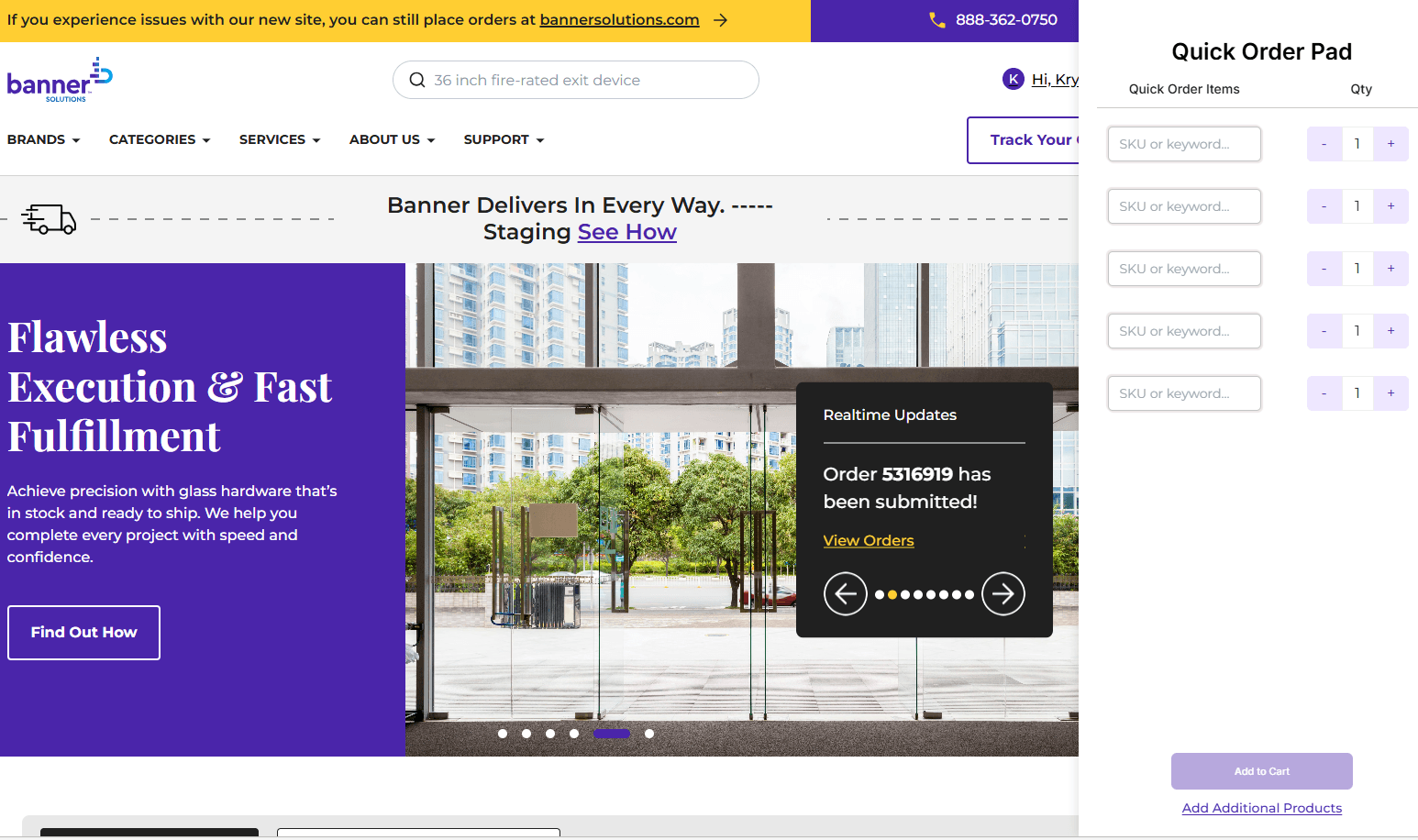
Using the Order Pad
This guide explains how to use the Order Pad to quickly add products, manage quantities, and build your cart before checkout.
Learn how to navigate the site, find products, and use key features with step-by-step tutorials designed to guide you through each part of the experience.
This guide explains how to use the Order Pad to quickly add products, manage quantities, and build your cart before checkout.
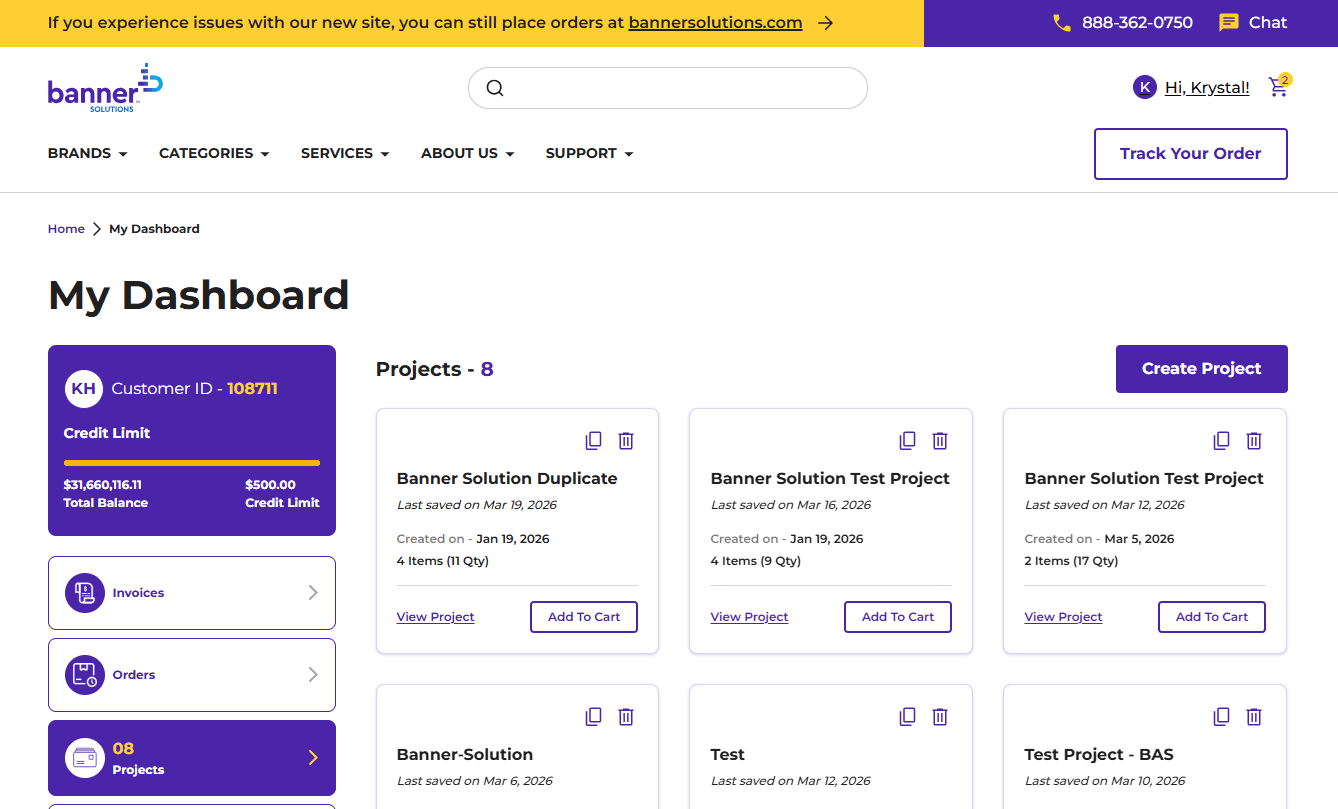
This guide explains how to use Projects to organize products for faster ordering.
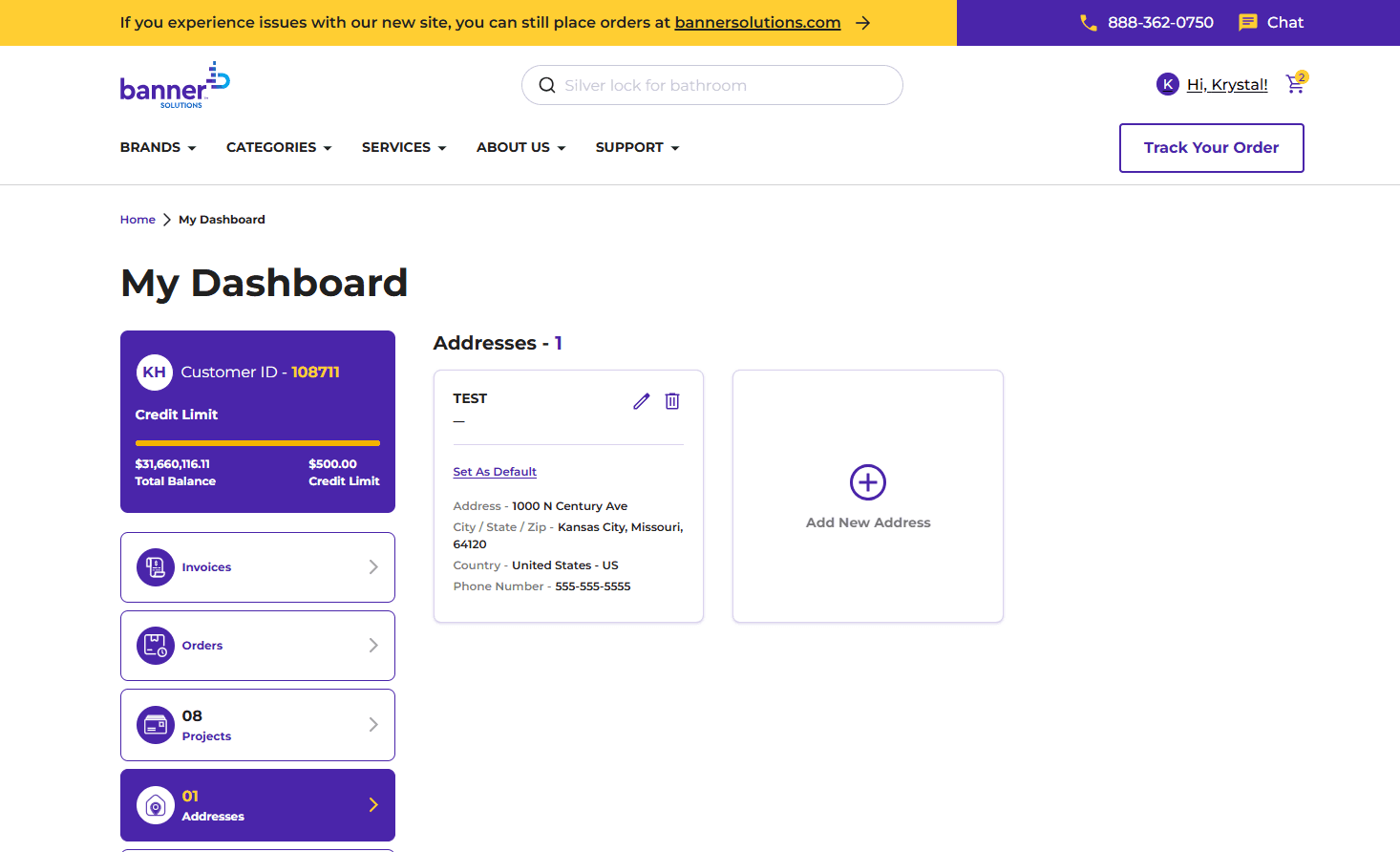
This guide explains how to add a new address or update an existing saved address for use during checkout.
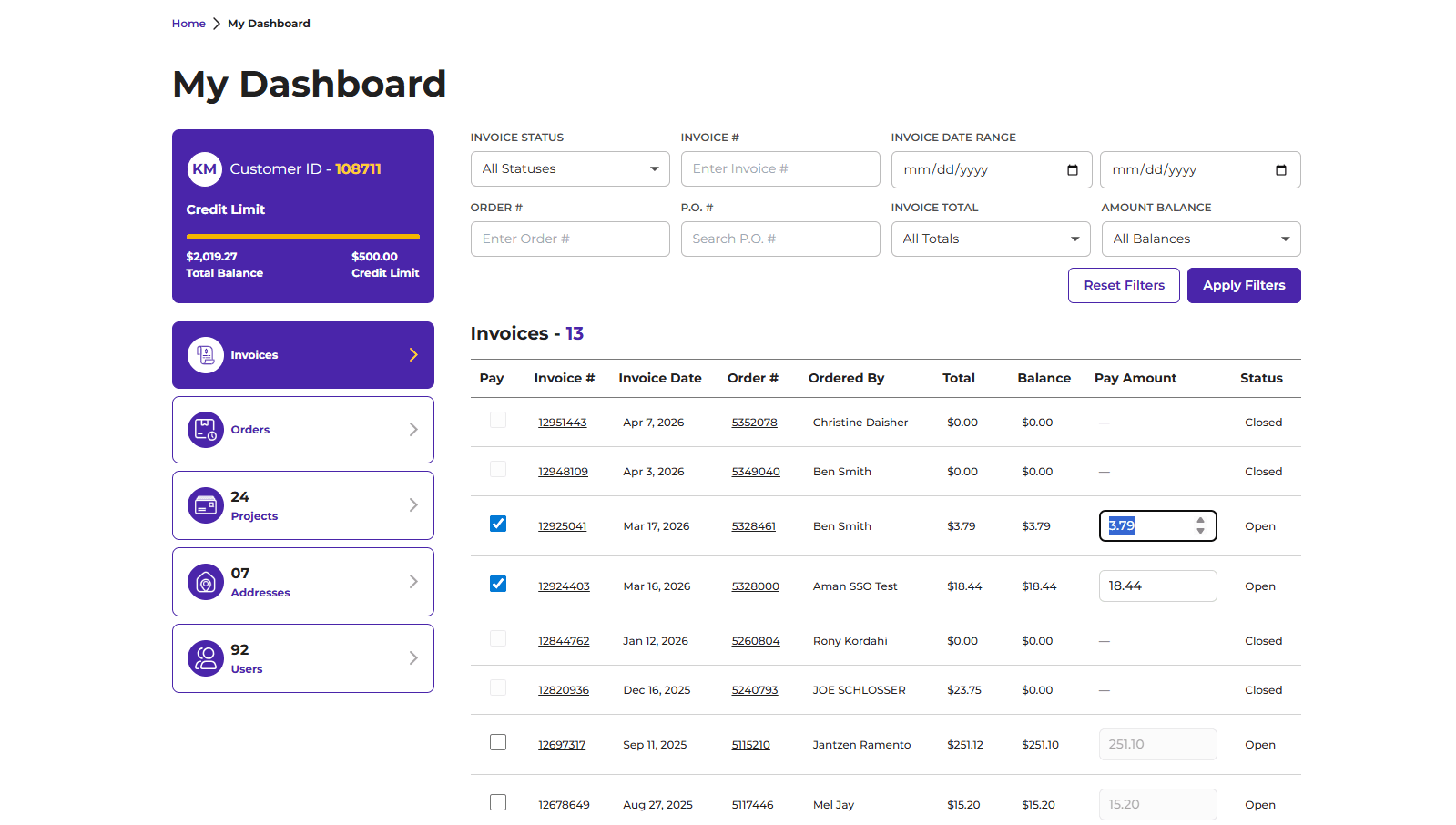
View recent invoices from the homepage or access your full invoice history to review details, balances, and complete payments.
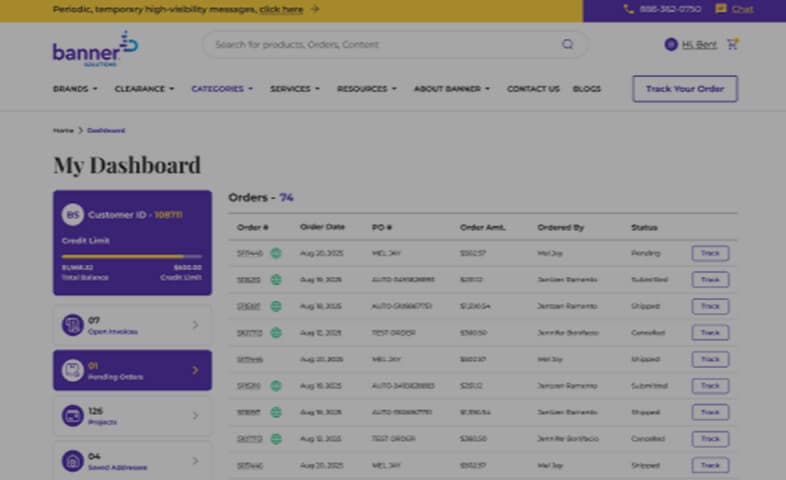
View recent orders from the homepage or access your full order history to review order details, invoices, and request returns.
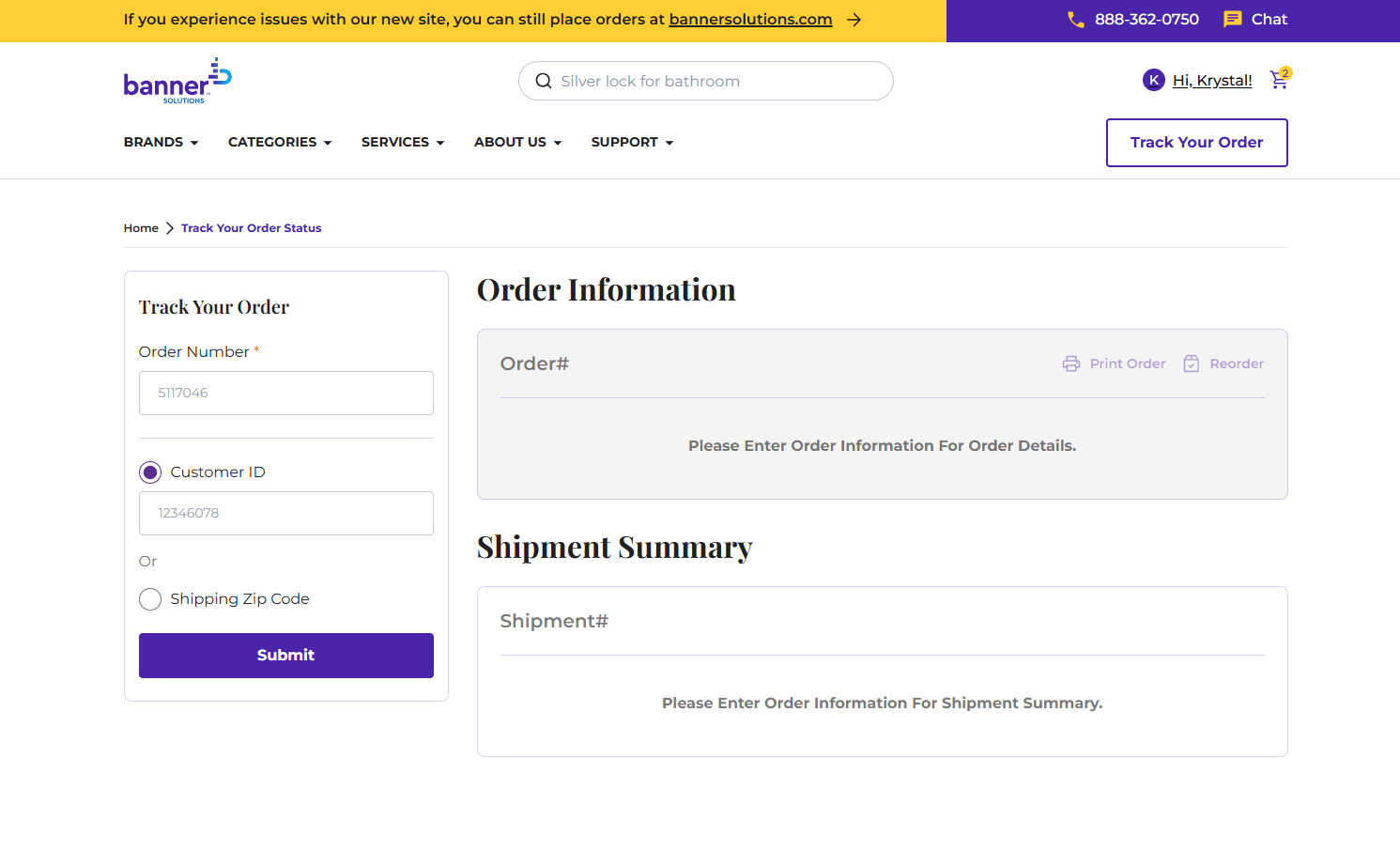
This guide shows how to track an order using your order details, view shipment information, and access carrier tracking updates.
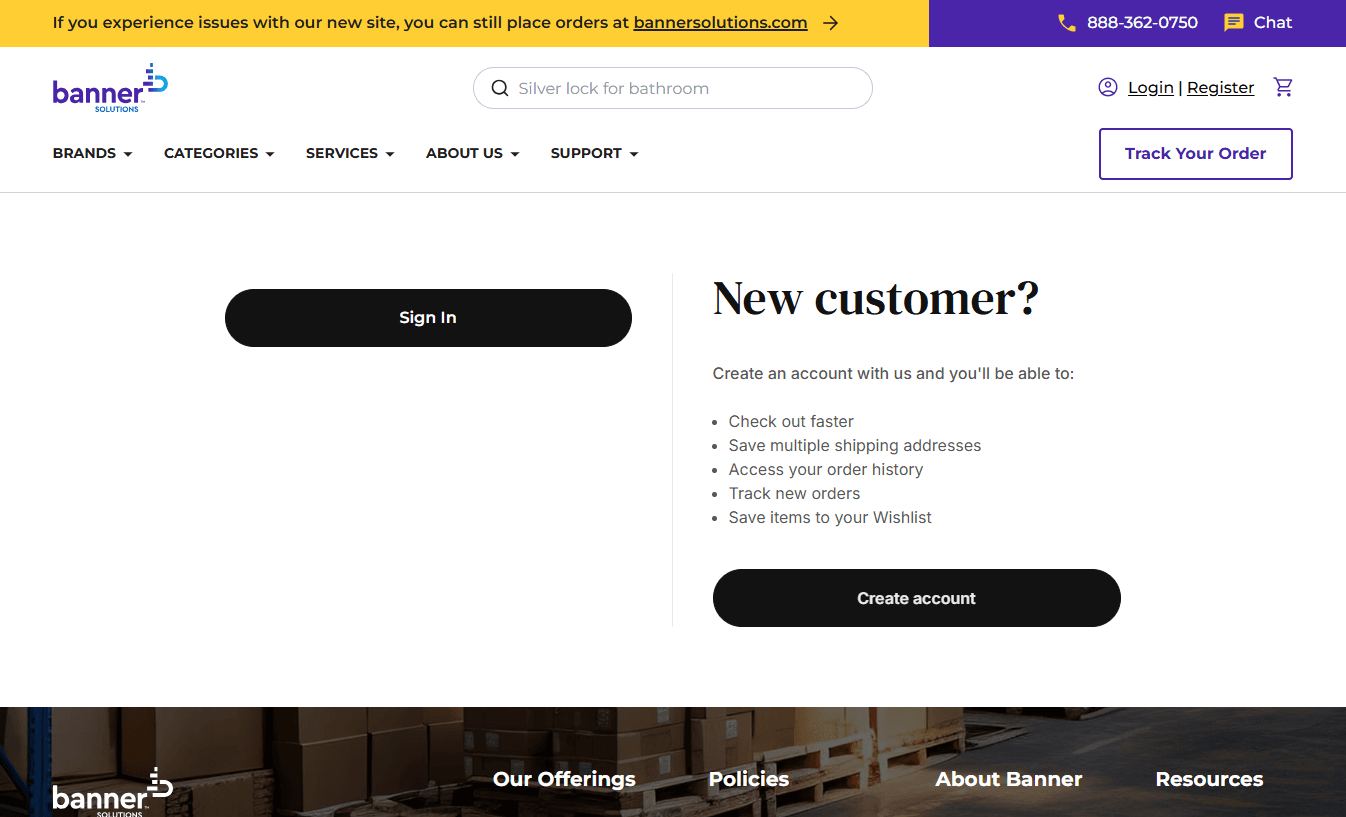
This guide walks you through creating a new account on BannerSolutions.com, including email verification and completing required registration fields.
Follow these steps to access your account and quickly get to your dashboard.
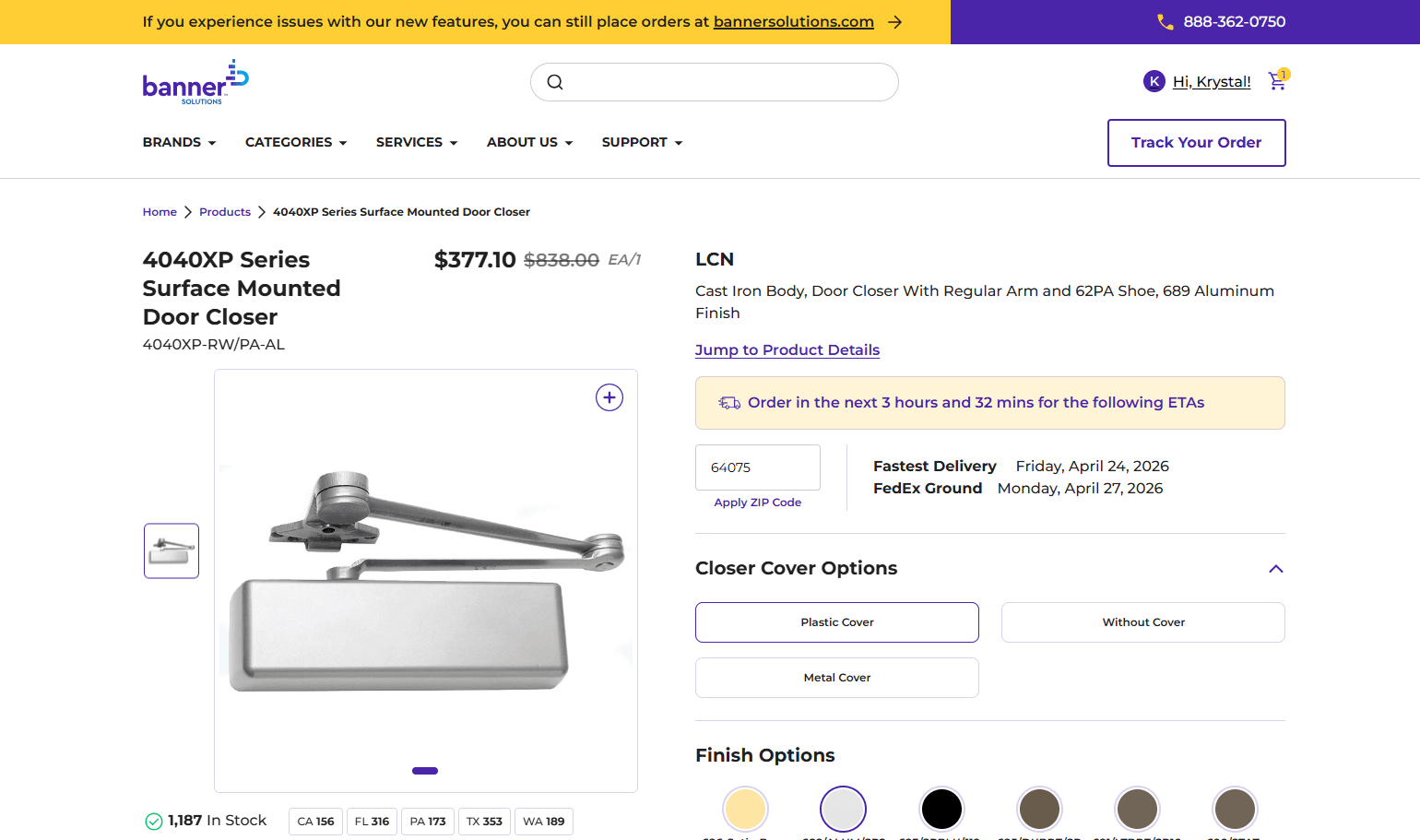
The Product Details Page is where you can review product details, choose options, check availability, and add items to your
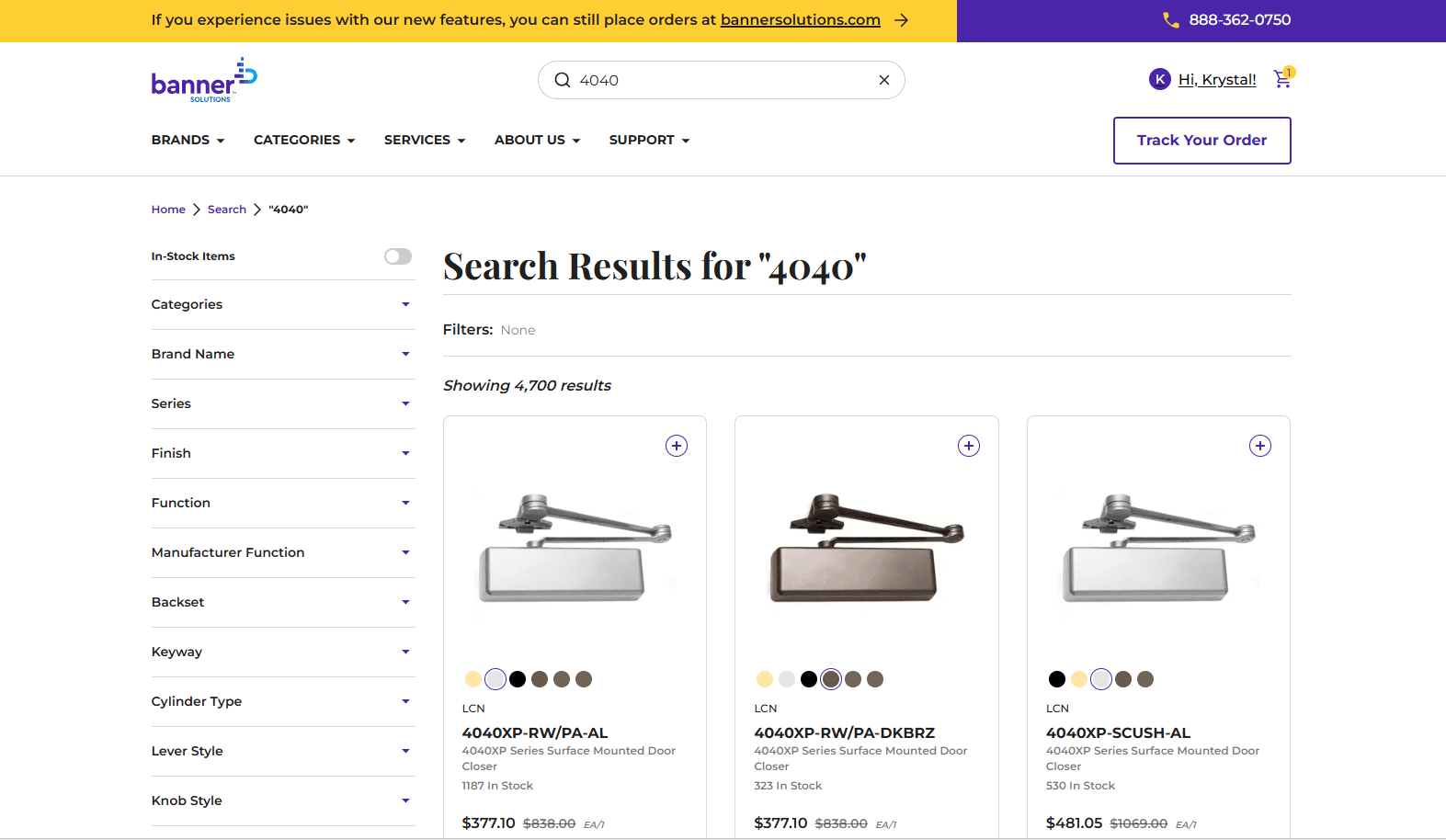
This guide walks you through using search filters to narrow results and efficiently find the product that matches your requirements.
This guide explains how to use the search bar to find products by keyword, brand, category, or part number.
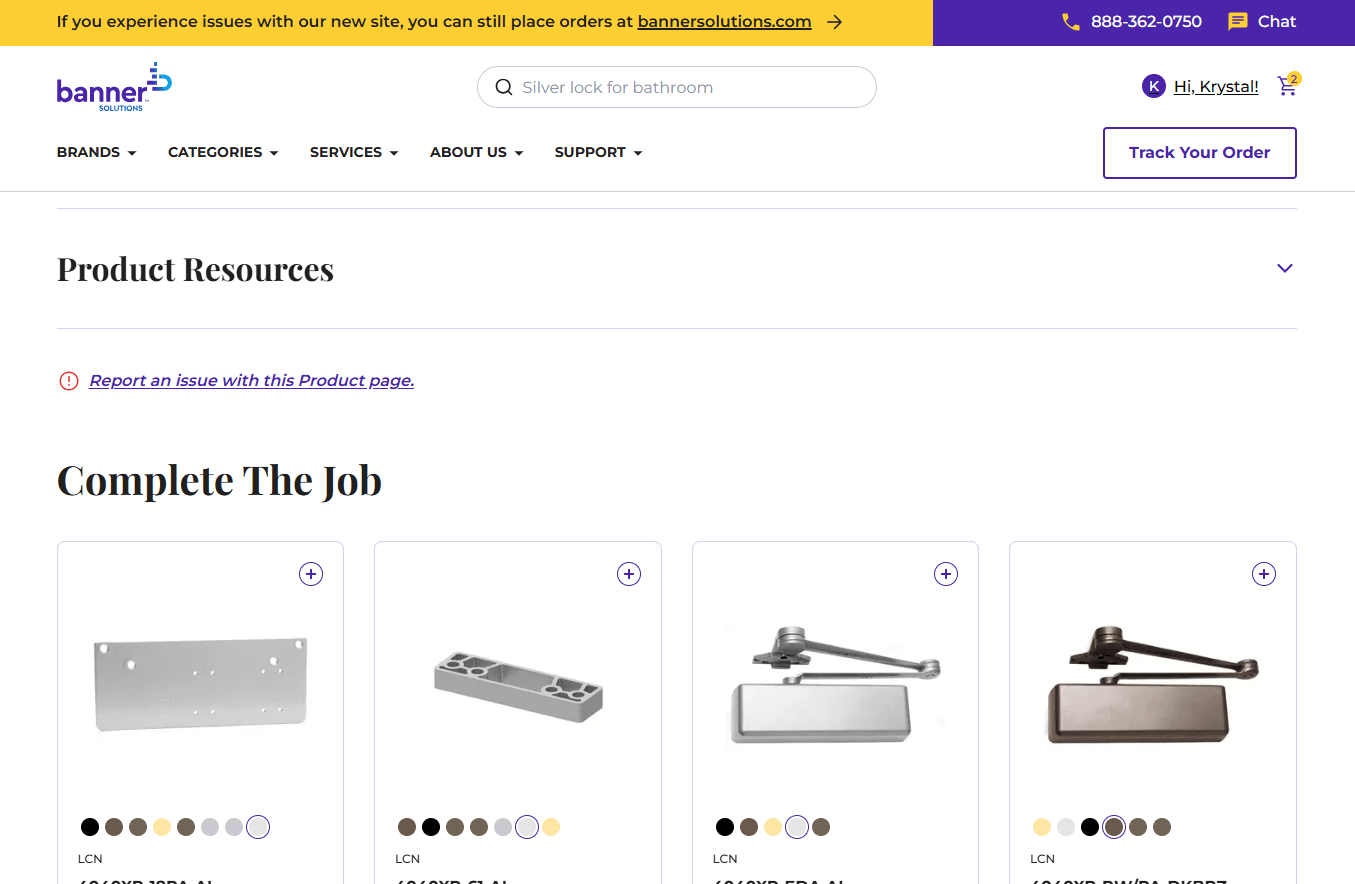
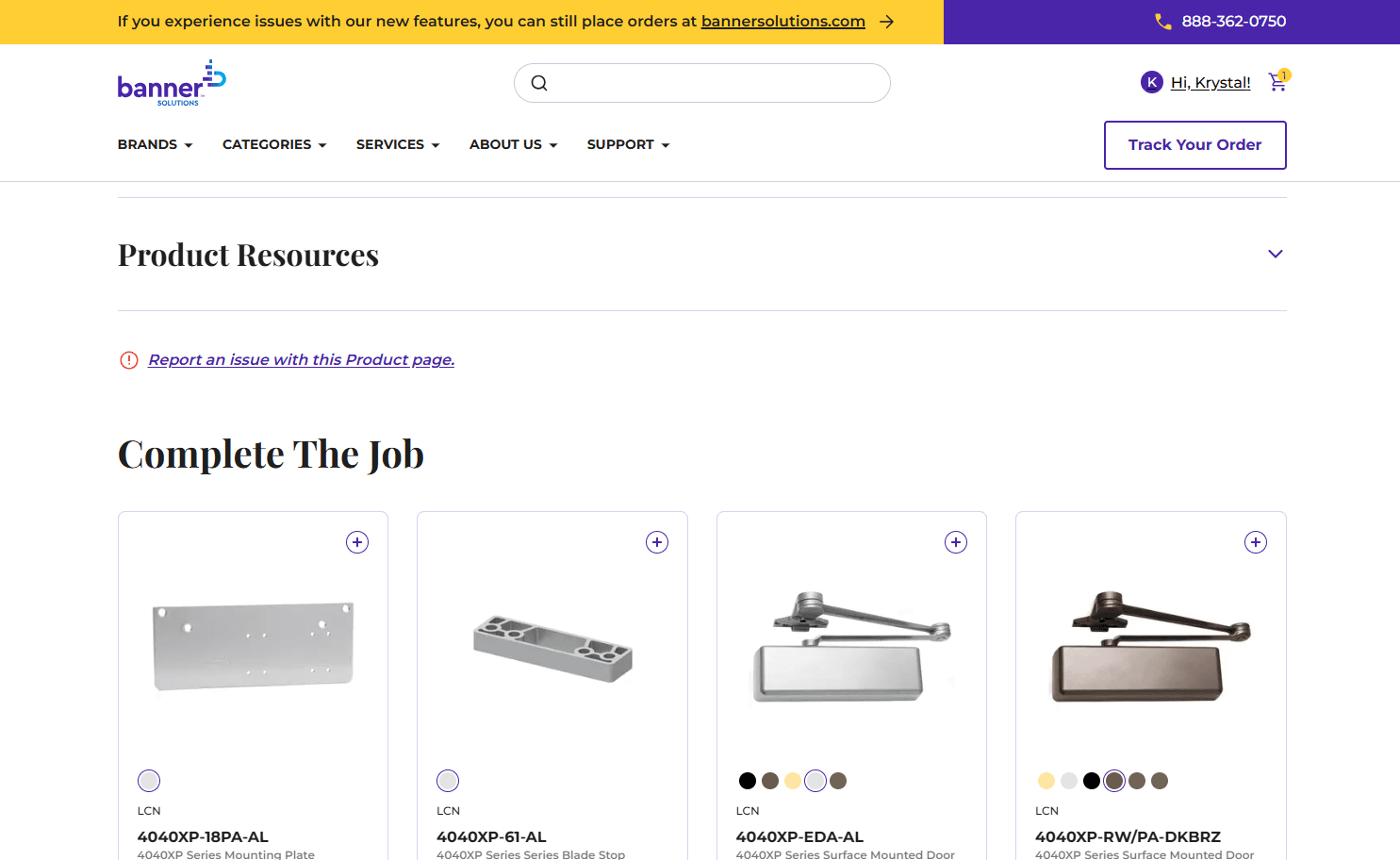
Learn how to report an issue directly from a product or category page so our team can review and resolve it quickly.
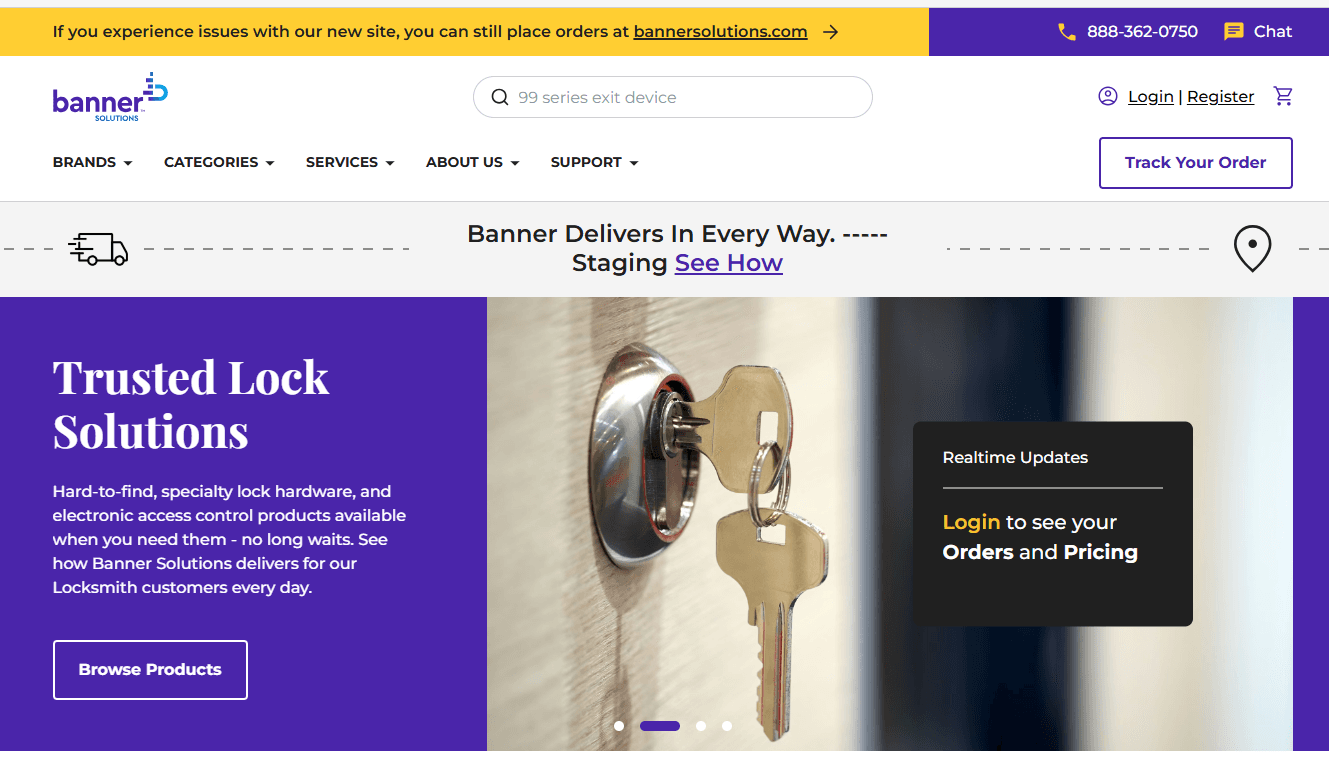
This guide explains how to use the main navigation to browse categories, access key pages, and find products quickly.